 Search
 Account
 Discord


| Details | |
|---|---|
| Description | Grow a Garden – Garden Guide serves as a comprehensive in-game book to help players track their progress and access various types of information. |
The Garden Guide is a Legendary item in Roblox: Grow a Garden, added during the Beanstalk Event update on August 16th. It serves as a comprehensive in-game book to help players track their progress and access various types of information.

Grow a Garden – Garden Guide is currently obtainable by simply joining the game. Visually, the Guide Book is a plain red book.
All players receive it for free the moment they launch the game after the Beanstalk event update is released. It typically appears as the first item on your hotbar.
How to Use the Garden Guide
First, click on your inventory/bag icon, then search for “Garden Guide”. You may also check you hotbar at the bottom of your screen.
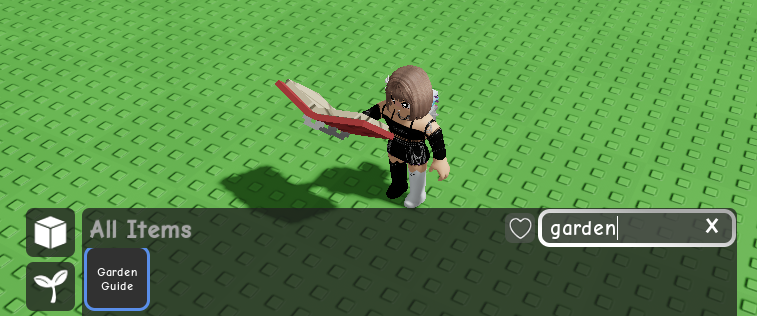
You can equip the Grow a Garden – Garden Guide by pressing its corresponding key on your hotbar, or by left-clicking it in your inventory.
Once equipped, click the left mouse button anywhere on the screen to open the book.
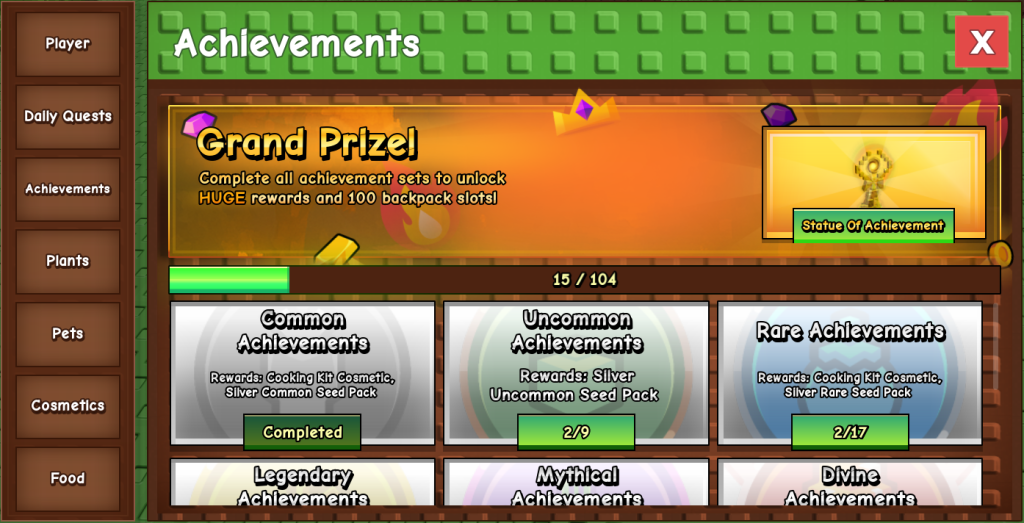
Grow a Garden – Garden Guide’s user interface (UI) will appear, initially displaying your player profile. On the left side of the UI, you will find several tabs that you can click to access different sections of information.
Grow a Garden – Garden Guide: Contents and Features
Grow a Garden – Garden Guide contains various sections that provide valuable information and tracking features:
Player Profile
The first chapter or initial view of the guide shows your player level, such as “level zero”. It displays all your player stats and allows you to view your progress in terms of XP.
Daily Quests
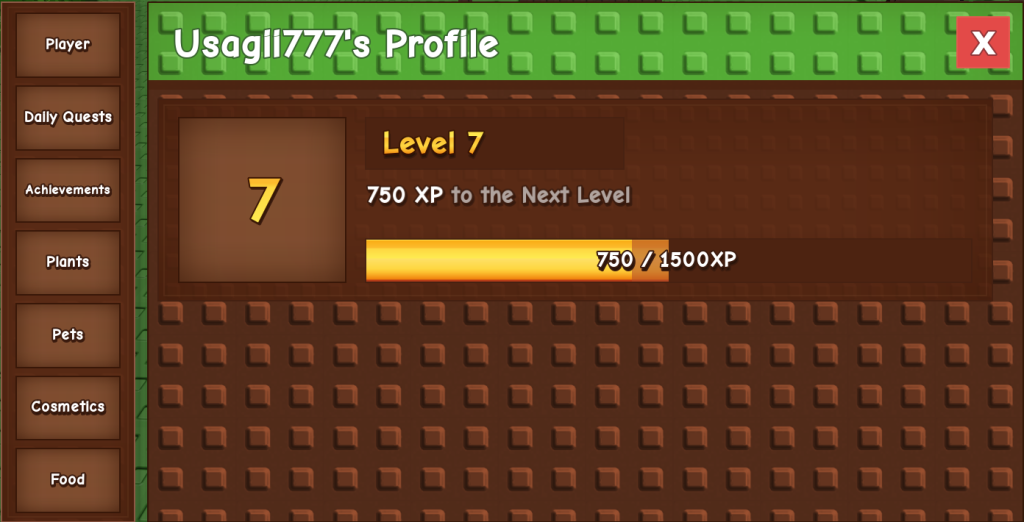
This tab contains three quests that refresh every 24 hours. These quests often involve simple tasks like planting seeds or harvesting fruits. Completing all three daily quests rewards you with three seed packs.
Achievements
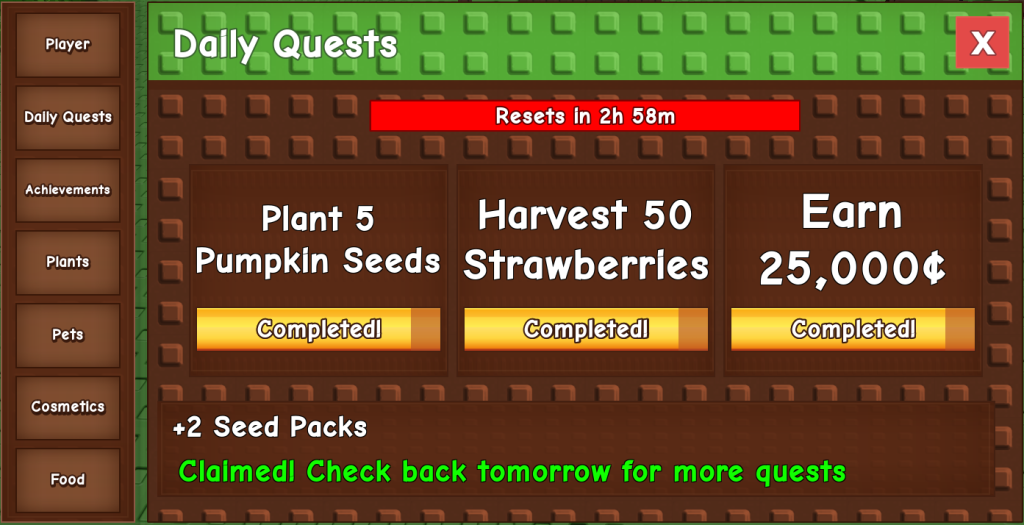
Achievements are a new feature added during the Beanstalk Event update, accessible through the Grow a Garden – Garden Guide.
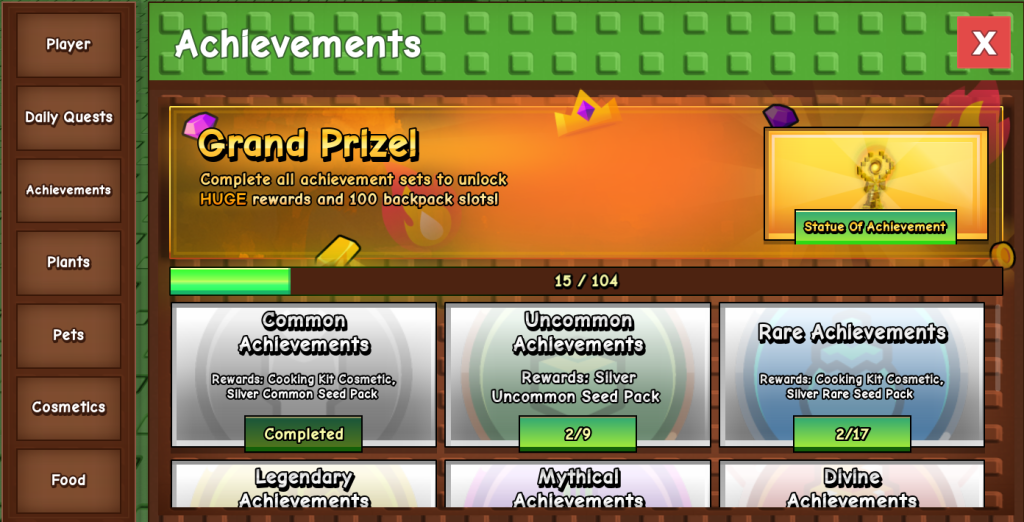
They offer cool and profitable rewards for completing specific tasks like planting, harvesting, and using crops. Rewards include Silver Seed Packs and Garden XP.
Achievements are tiered, ranging from Common to Prismatic rarity, with increasing difficulty and better rewards.
Common
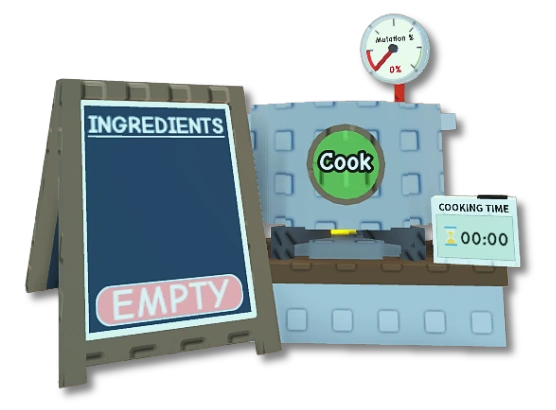 | 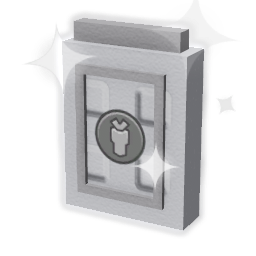 |
| Cooking Kit | Silver Common Seed Pack |
Uncommon
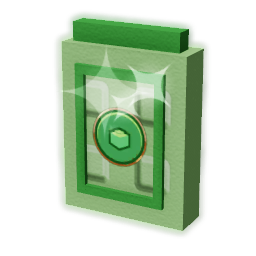 |
| Silver Uncommon Seed Pack |
Rare
|  |
| Cooking Kit | Silver Rare Seed Pack |
Legendary
 |
| Silver Legendary Seed Pack |
Mythical
| 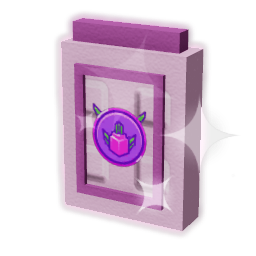 |
| Cooking Kit | Silver Mythical Seed Pack |
Divine
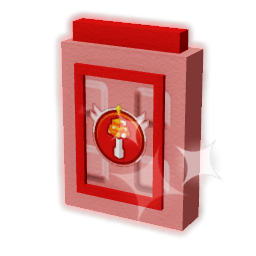 |
| Silver Divine Seed Pack |
Prismatic
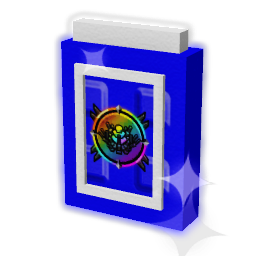 |
| Silver Prismatic Seed Pack |
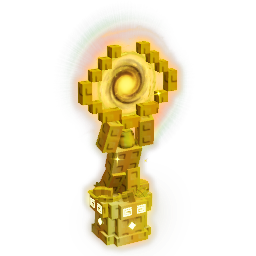
Statue of Achievement
Completing all achievements earns you a Statue of Achievement. This reward increases backpack size by +100.
You can click on individual achievements in the guide to see a list of things you need to do to complete them.
Once you finish each mini-quest within a category, you can claim rewards, and completing the entire category grants a main prize.
Plants
This section lists all the crops available in Grow a Garden. Plants you have discovered are fully visible, while locked or undiscovered plants are shadowed and marked with a white question mark.
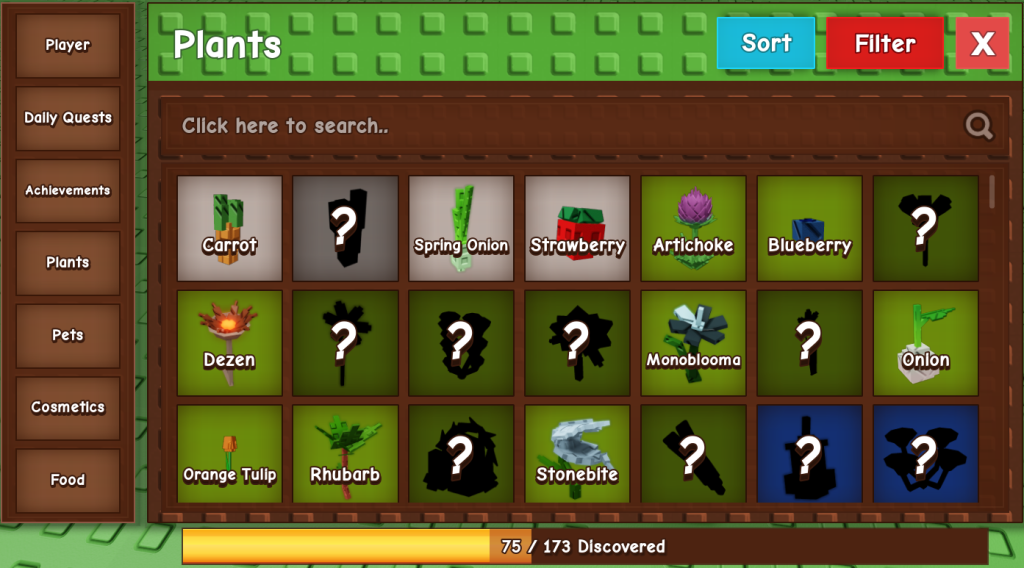
While you can view unreleased plants, you may not be able to click on undiscovered items to learn their names. To fully access locked plants and their details, you must first find their seeds.

Clicking on an unlocked crop box displays its description, type (e.g., woody plants like coconut, pine cones, kiwi), your highest valued discovery, and sale values.
Pets
The pets tab displays a complete list of pets in the game. Similar to plants, locked pets appear in grayscale and behind a question mark.

You can click on a pet box to view its description and traits. This section also allows you to sort or filter results.
Cosmetics
This tab shows all the cosmetic items in Grow a Garden. Items you own are clearly visible, while those you haven’t found yet are grayed out. You can click on owned cosmetic boxes to see where you found those decorations.
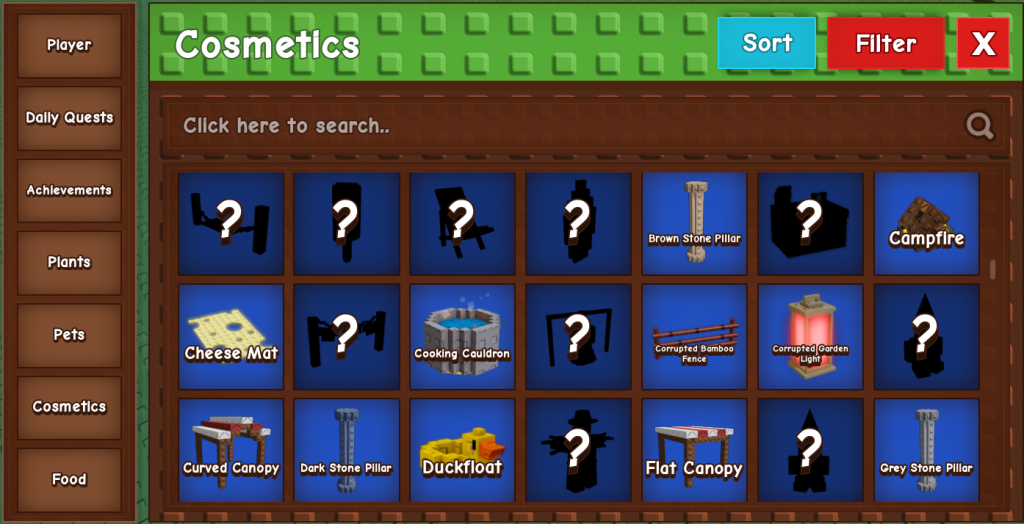
While the guide allows viewing unreleased cosmetics, the reviewer expressed uncertainty about how the trading aspect of cosmetics would work with the guide, given that cosmetics cannot be traded.
Food Items
The final tab of the Grow a Garden – Garden Guide is dedicated to food. You can left-click on unlocked food items to view their recipes and descriptions.

This feature is useful if you need to make a specific food item as a crafting ingredient, such as a corndog for a pet pouch.
Overall, Grow a Garden – Garden Guide adds a progression element to Grow a Garden, providing players with goals and a convenient way to keep busy and track their progress until the next major update.
For more guides, visit Theria Games (Grow a Garden).
